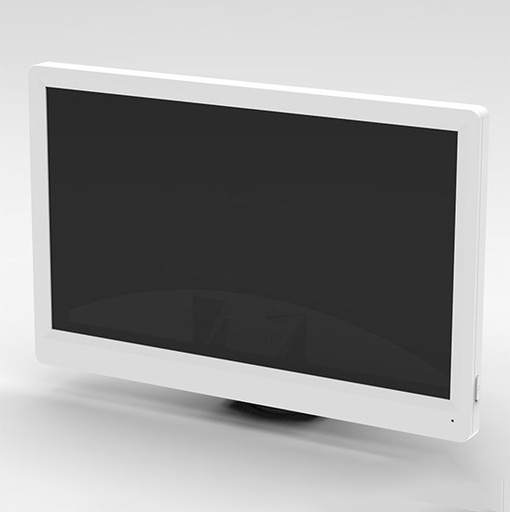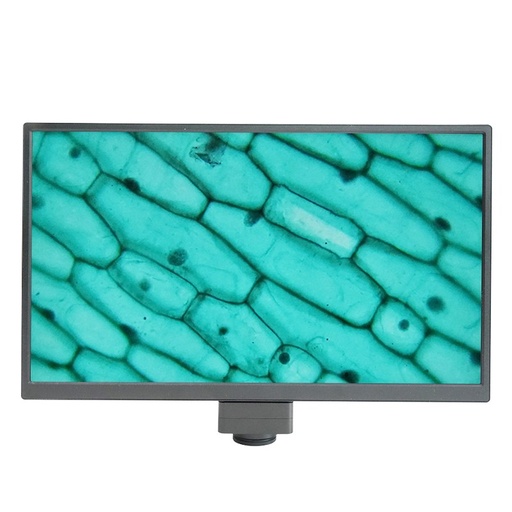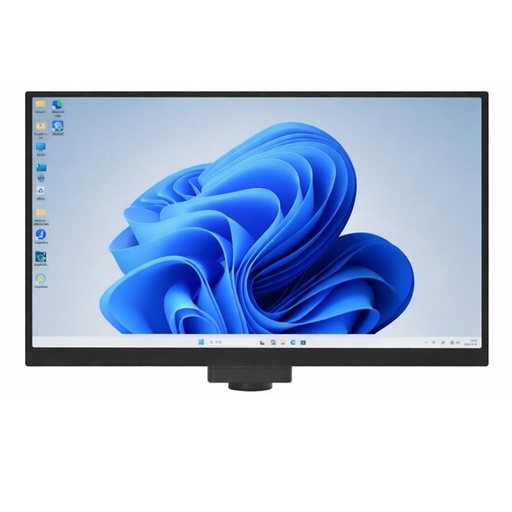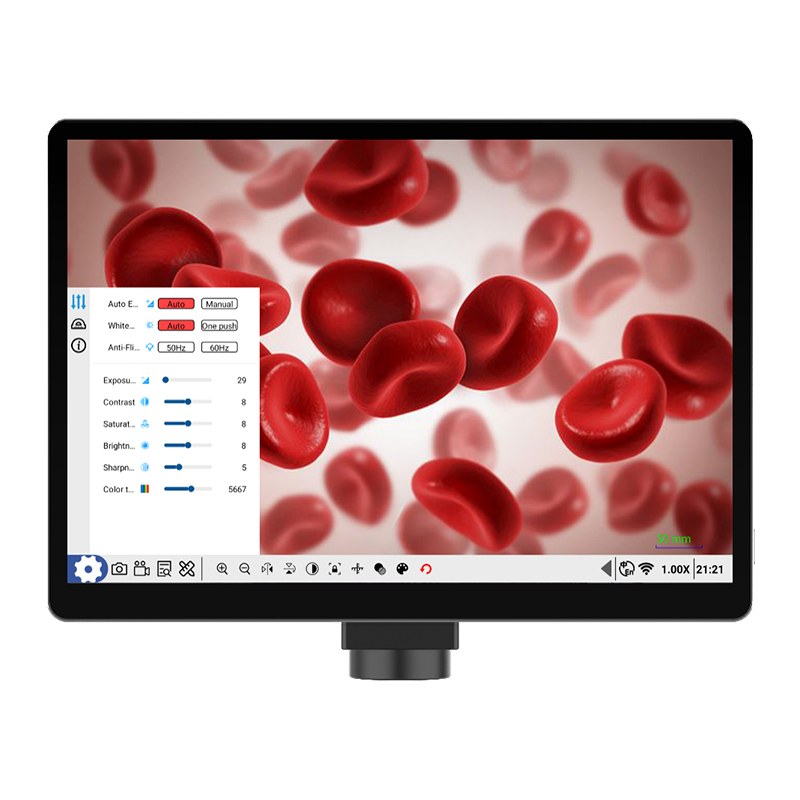
BestScope BLC-360B 10.5″ Touch Screen Android Pad Microscope Digital Camera
Model: BLC-360B | Display: 10.5” High-Definition Touch Screen | Sensor: 1/1.8” CMOS Sensor | Operation System: Android 11 | Pixel Size: 2.0um*2.0um | Photo: 8.0M Image Capture | Video: 1080P Video | Output: USB3.0*2, USB2.0*1, HDMI, Gigabit LAN Port
الشروط والأحكام
30-day money-back guarantee
Shipping: 2-3 Business Days
BLC-360B 10.5″ Touch Screen Android Pad Microscope Digital Camera
Key Details
| Model | BLC-360B |
| Display | 10.5” High-Definition Touch Screen |
| Sensor | 1/1.8” CMOS Sensor |
| Operation System | Android 11 |
| Pixel Size | 2.0um*2.0um |
| Photo | 8.0M Image Capture |
| Video | 1080P Video |
| Output | USB3.0*2, USB2.0*1, HDMI, Gigabit LAN Port |
Features
1. 10.5″ Touch Screen Android Pad + 4K Digital Camera, All-in-One
2. 8.0M 1/1.8″ CMOS Digital Camera Resolution 3840*2158@30FPS
3. Android 11 Tablet Built-in Memory RAM 2G + ROM 16G For Photo & Video Record
4. USB3.0+HDMI+LAN Output, Touch Screen + USB Mouse & Keyboard Control
5. Open & See Microscope Image Directly, Built-in Software For Measure & Analysis
Specification
10.5″ Touch Screen Android Pad Digital Camera, 8.0M | ||
Parameter | Category | HD All-in-One Android 11 System Tablet Digital Camera |
Sensor | 1/1.8” CMOS Sensor | |
Effective Pixel | 8M, 4K | |
Screen | 10.5” High-Definition Touch Screen | |
Operation System | Android 11 | |
WIFI | 2.4GHz/5GHz Dual-band WIFI, Support WIFI6 | |
Bluetooth | Bluetooth 5.0 | |
Output | USB3.0*2, USB2.0*1, HDMI, Gigabit LAN Port | |
Pixel size | 2.0um*2.0um | |
Power | DC-12V/2A | |
Function | Basic Function | Android Interaction, Installed S-Eye2.0 Measure Software |
Image Adjustment | Brightness, Contrast, Saturation, Color Temperature | |
Camera Function | Mirror, Flip, Freeze, Black and White | |
UI Interface | Support User-friendly Mouse & Keyboard, And Touch Screen Operation | |
Photo | 8.0M Image Capture | |
Video | 1080P Video | |
Storage | Still Photo And Video Recording, Picture Preview | |
Marking | Point Coordinates, Crosshairs, Coordinate System, Text Annotations | |
Length Measurement | Straight Line, Folded Line, Curve Length, Parallel Line Distance, Point Line Distance | |
Geometric Measurement | Line Segment Length, Radius Fixed Circle, 2 Point Fixed Circle, 3 Point Fixed Circle, Concentric Circle, Radius Fixed Circle | |
Geometric Area Measurement | Polygon, Rectangle | |
Measurement System | Built-in S-Eye Software | |
Package | Box Size | 237*169*10.5mm |
Weight | 0.6kg | |
Accessory | DC-12V/2A Power Adapter | |
Operation
1. First, connect the tablet to DC-12V power adapter
2. Then connect the tablet to microscope by standard C-Mount.
(See how to connect digital camera to microscope at end of this manual.)
3. After connecting the power, long press the Power On button, the blue light stays on
4. After power on, the system directly starts into the microscope image preview interface
5. The tablet can be connected to other large monitor screen through HDMI port, to show sync real time image of microscope camera.
6. The tablet has Android 11 system & measure software installed, no need to install any other software.
Under measure mode, click button to capture screenshot and save measure result.
7. The tablet has touch screen, can take photo, record video, measure image, or adjust all parameters directly by touch.
8. The USB mouse & keyboard can be connected to USB 2.0 port to control tablet directly
9. There is 16G memory built-in to store photos and videos taken by digital camera.
10. The USB disk can be connected to USB 3.0 port to copy the photos and videos recorded.
Under main interface, click button to explore, copy, paste files to USB disk.
11. The tablet can be connected to PC through USB 3.0 port or LAN port to copy files.
Software Introduction
Main Interface
The camera & tablet will enter the main interface directly after power on, and you can click the shortcut buttons on the bottom of screen to set, take photo, record video, review, measure, zoom in/out, mirror image, flip image, etc. as needed.
Setting Mode
Calibration Setting
Measure Mode